Containers package your code and all its dependencies into a single portable unit that runs consistently across different computing systems — no installation required on each resource.
What are Containers?
Containers are similar to virtual machines in that they bundle everything needed to run an application. Unlike VMs, containers do not include a guest operating system — they run on top of a container platform installed on the host. This makes them lightweight, fast to start, and easy to move between systems.
Containers
Share the host OS kernel. Lightweight — typically megabytes. Start in seconds. Portable across systems with the same container runtime. No root required (with Singularity/Apptainer).
Virtual Machines
Include a full guest OS. Heavy — typically gigabytes. Slower to start. Full isolation including kernel. Require hypervisor support. Available on cloud resources like Jetstream2.
Singularity and Apptainer
Most ACCESS resources support Singularity (now rebranded as Apptainer on some systems). Unlike Docker, Singularity does not require root privileges, making it suitable for shared HPC environments. You can run Singularity containers directly inside a Slurm job — no special flags needed.
| Command | Description |
|---|---|
singularity pull image.sif docker://ubuntu:22.04 | Pull a Docker image and convert to a .sif container file |
singularity shell image.sif | Open an interactive shell inside the container |
singularity exec image.sif command | Run a single command inside the container |
singularity run image.sif | Run the container's default entry point |
singularity build image.sif docker://repo/image:tag | Build a .sif from a Docker Hub image (requires root or --fakeroot) |
singularity inspect image.sif | Show metadata about the container image |
Use $SCRATCH for container images
Container .sif files can be large (1–10 GB). Store them in $SCRATCH rather than $HOME to avoid hitting home directory quotas. On most resources, $SCRATCH is purged periodically — keep a copy of your .sif files elsewhere.
Using Docker Images with Singularity
Any public Docker image can be pulled and run with Singularity. Pull from Docker Hub, NVIDIA NGC, GitHub Container Registry, or any other OCI-compliant registry:
# Pull from Docker Hub and save as a .sif file
$ singularity pull pytorch.sif docker://pytorch/pytorch:2.2.0-cuda12.1-cudnn8-runtime

# Run a Python script inside the container
$ singularity exec pytorch.sif python train.py

# GPU-enabled execution (pass --nv to use host NVIDIA drivers)
$ singularity exec --nv pytorch.sif python train.py

# Bind-mount a directory from the host into the container
$ singularity exec --bind /scratch/user/data:/data pytorch.sif python train.py
GPU containers: use --nv
Always pass --nv when running GPU workloads. This mounts the host NVIDIA drivers into the container so CUDA and cuDNN work without being installed inside the image.
Running Containers in a Slurm Job
Containers run inside job scripts exactly like any other command. Here is a minimal GPU job using a Singularity container:
#!/bin/bash
#SBATCH --job-name=container_job
#SBATCH --account=abc123
#SBATCH --partition=gpu
#SBATCH --nodes=1
#SBATCH --gpus=1
#SBATCH --time=02:00:00

module purge

singularity exec --nv --bind $SCRATCH/data:/data $SCRATCH/pytorch.sif python /data/train.py
Container Support by Resource
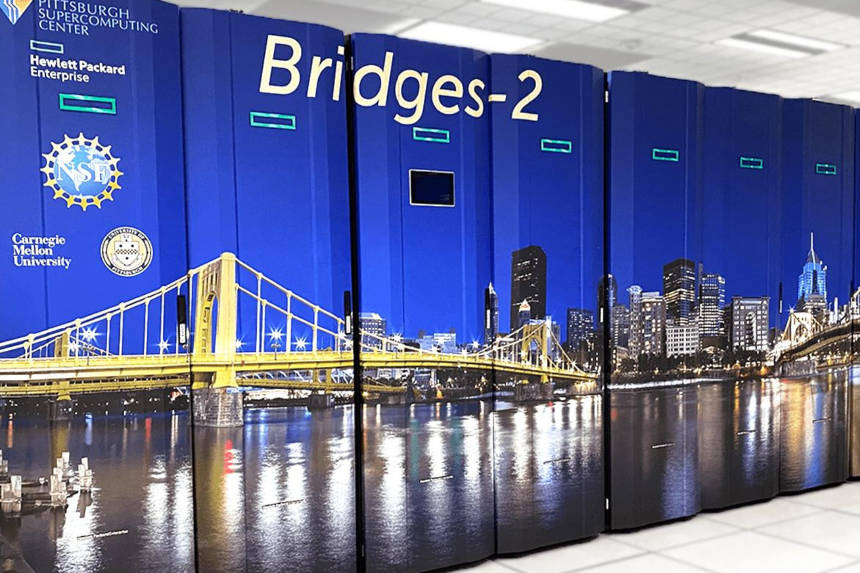
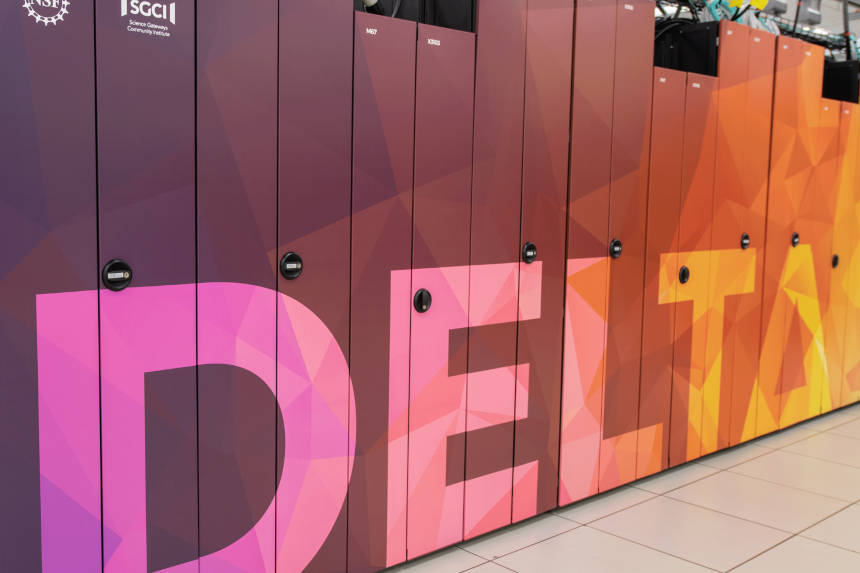
Each ACCESS resource has its own container tooling. Singularity/Apptainer is available on most HPC resources; Docker and Kubernetes are available on Jetstream2.
Container Registries
Pull pre-built containers from public registries rather than building from scratch:
The largest public registry. Most open-source software projects publish official images here.
Pre-optimized GPU containers for PyTorch, TensorFlow, RAPIDS, CUDA, and domain-specific HPC applications.
Community-curated containers for bioinformatics tools — thousands of packages ready to pull and run.
Search for container images available across ACCESS resources, alongside traditional module-based software.
Need help choosing or building a container?
The ACCESS MATCH program provides free consulting for container workflows — porting software into containers, optimizing GPU container performance, and scaling containerized jobs. Request MATCH support
Frequently Asked Questions
Can I run Docker on ACCESS HPC resources?
singularity pull docker://image:tag and run it without modification.
How do I build my own Singularity container?
How do I access my files from inside a container?
$SCRATCH — use the --bind flag: singularity exec --bind /scratch/user:/data image.sif command. You can also set the SINGULARITY_BIND environment variable to bind-mount paths automatically without specifying them each time.
Can containers use GPUs?
--nv flag to mount host NVIDIA drivers into the container: singularity exec --nv pytorch.sif python script.py. The container does not need CUDA installed — it uses the drivers from the host. Make sure to request GPU nodes via Slurm (--gpus=1 or --gres=gpu:1) before running GPU container jobs.
How do I run an MPI job inside a container?
mpirun -n 16 singularity exec image.sif ./my_mpi_program. TACC provides curated container images with optimized MPI for their hardware — see their containers documentation for details.